

Description
Download Auto Keyboard Presser – keyboard automation, macro tool, key presser
Overview
Auto Keyboard Presser is a productivity-focused mobile application designed to automate repetitive keyboard input tasks on Android devices. The app enables users to simulate key presses and key combinations through customizable macros, reducing manual effort and increasing efficiency. This tool is particularly useful for users who frequently perform repetitive typing sequences, such as entering login credentials, executing command-line instructions, or triggering predefined workflows in other apps.
Target users include power users, developers, gamers, and professionals who rely on consistent and rapid keyboard input. The app addresses the need for automation in mobile environments where physical keyboards are often used with Android devices, especially in productivity or gaming scenarios. By allowing users to predefine sequences and control timing parameters, Auto Keyboard Presser helps eliminate human error and ensures precise execution of keyboard commands.
Developed by Jason A. Bilbrey, the app reflects a focused approach to mobile automation, targeting users who seek advanced control over their device’s input system. Although the developer did not provide additional technical details, the app’s purpose is clearly defined: to bring macro functionality to Android in a lightweight and accessible format. Its presence in the productivity category highlights its role as a utility tool within the broader mobile ecosystem, offering a niche solution for users who require automated keyboard interaction.
Key Features & Functionality
- Customizable Macro Creation – Users can define specific sequences of key presses and key combinations tailored to their workflow needs.
- Adjustable Delay Settings – The app allows precise control over the time interval between individual keystrokes or blocks of input, enabling fine-tuned automation timing.
- Repeat Count Configuration – Users can specify the number of times a key or sequence should be pressed, ideal for repetitive tasks like form filling or testing.
- Background Execution – Once activated, the macro runs in the background without interfering with other app usage, allowing users to multitask efficiently.
- Lightweight Design – With a file size of just 3.5 MB, the app is optimized for minimal resource consumption, ensuring smooth operation on a variety of Android devices.
For example, a user could create a macro to enter a username and password with a single tap, saving time during daily logins. Similarly, a developer might use the app to automate the input of complex terminal commands. Gamers could set up rapid-fire sequences for in-game actions, though this would depend on the game’s compatibility with automated input. The app’s functionality is grounded in practicality, focusing on automation without overcomplicating the user experience.
Interface, UX & Performance
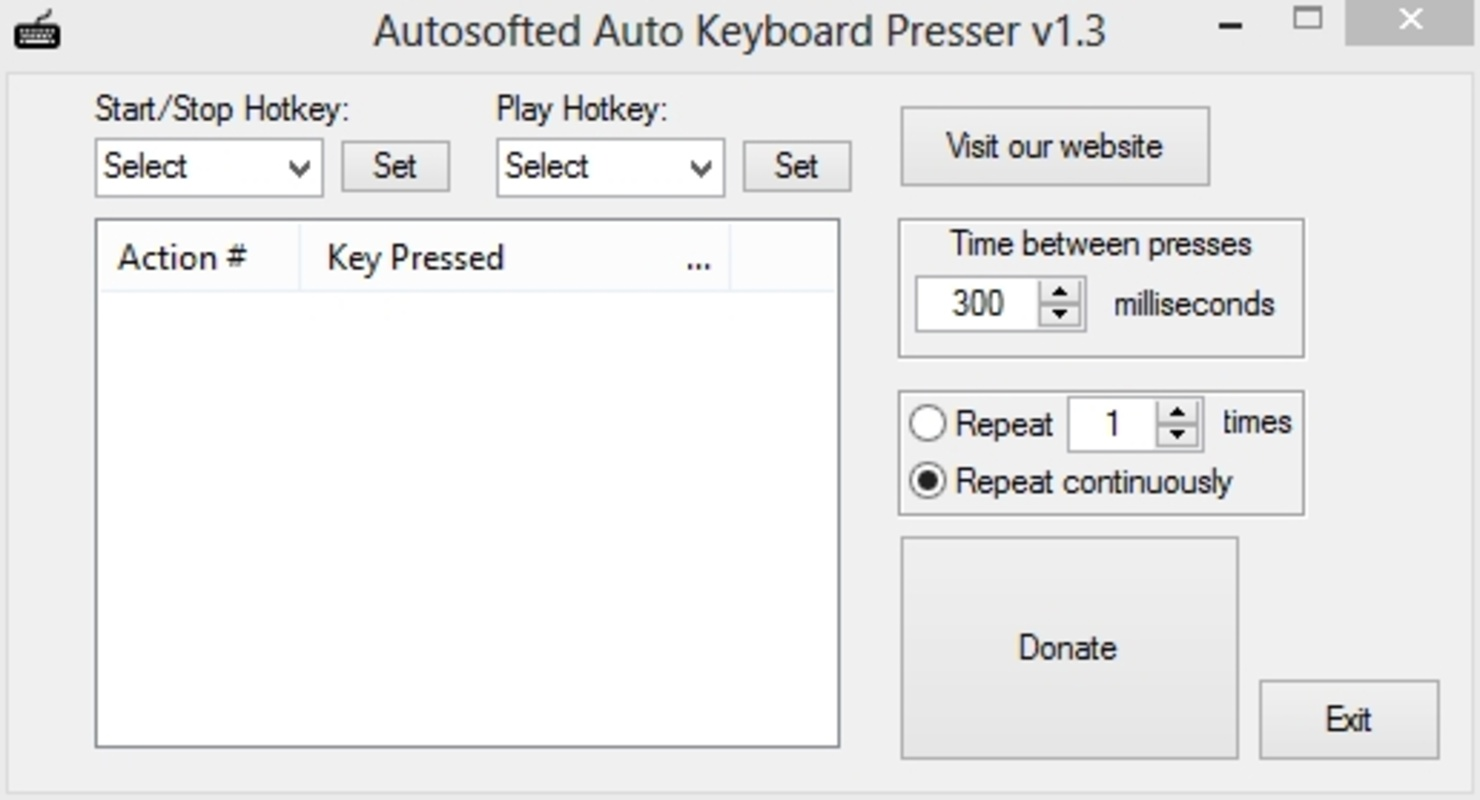
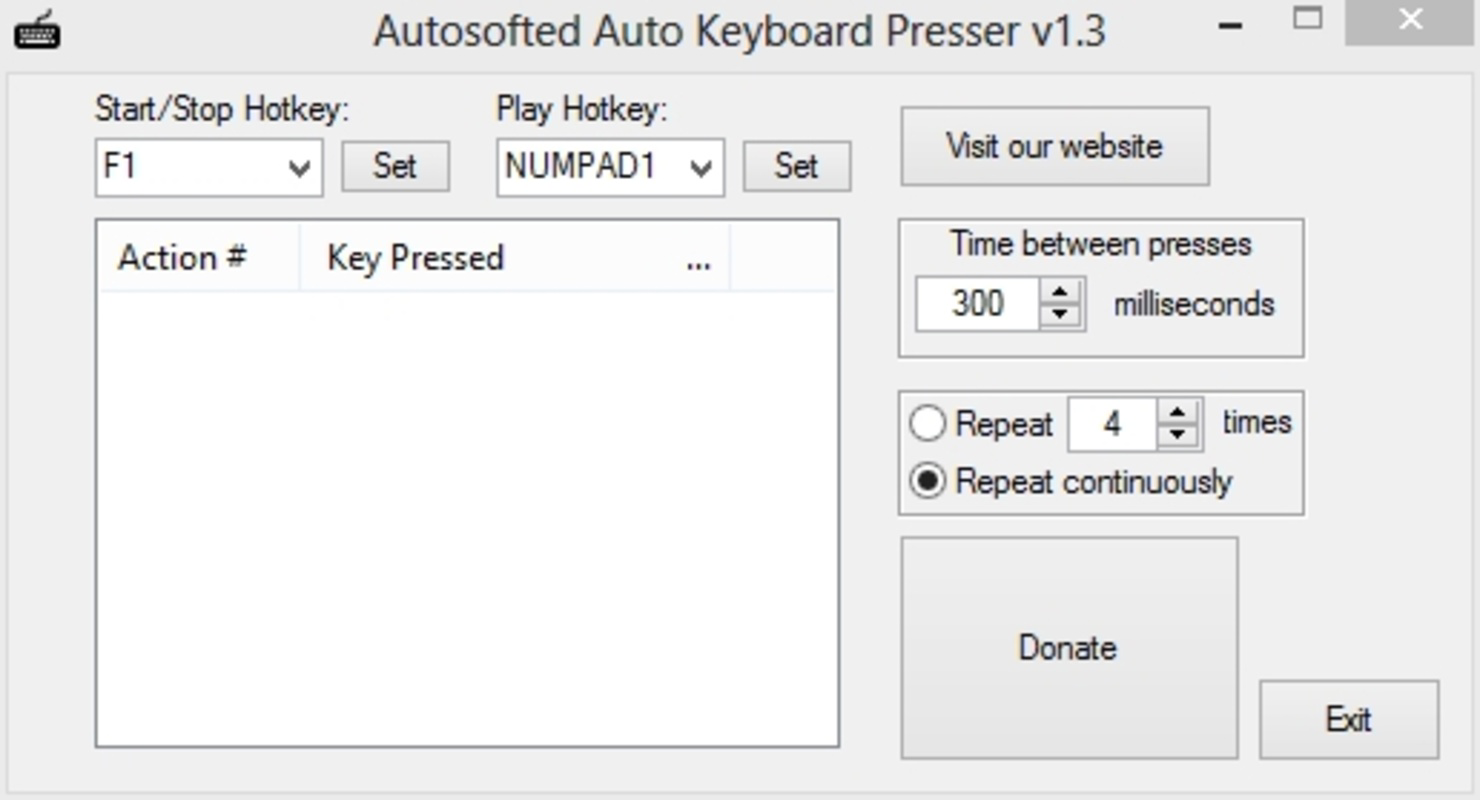
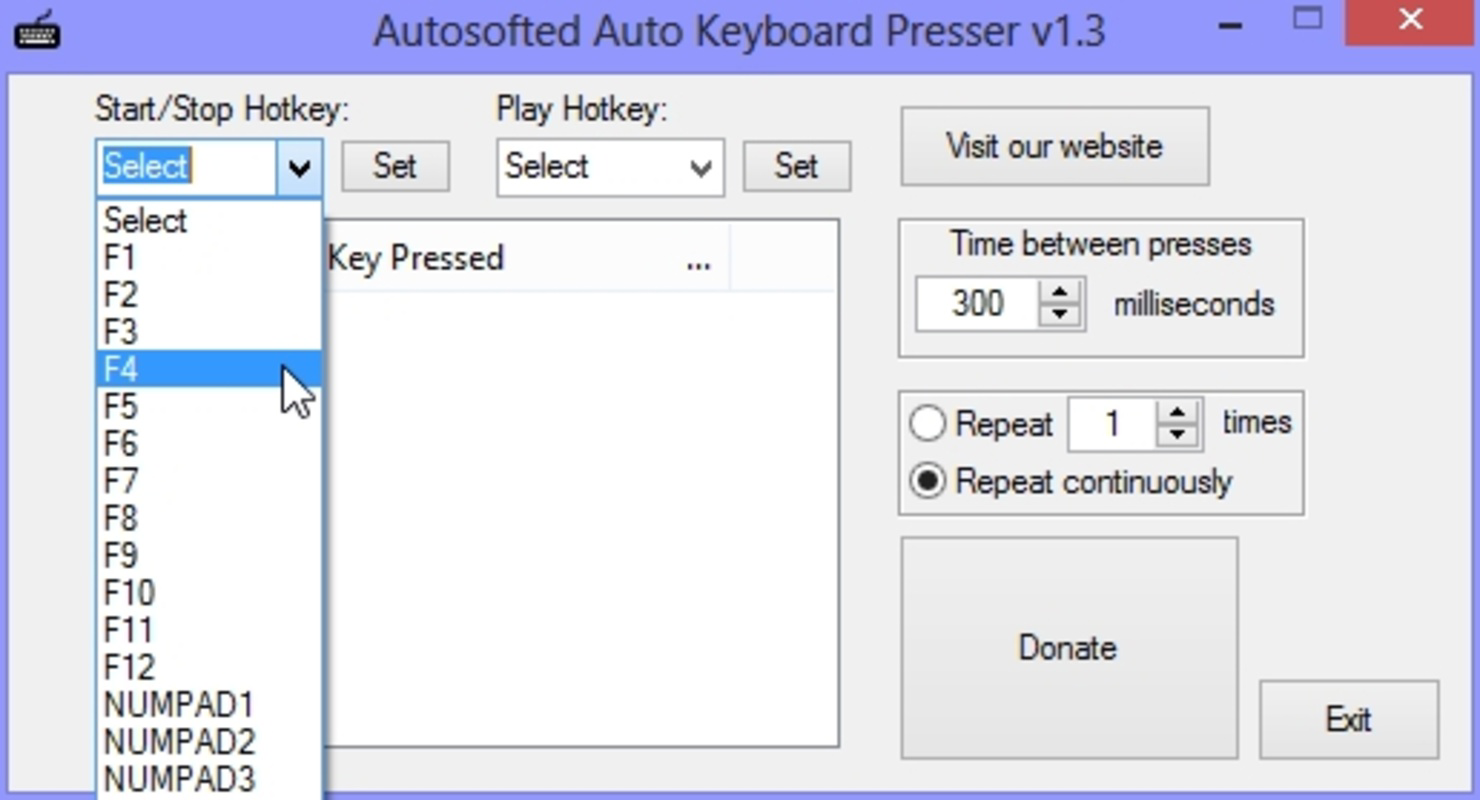
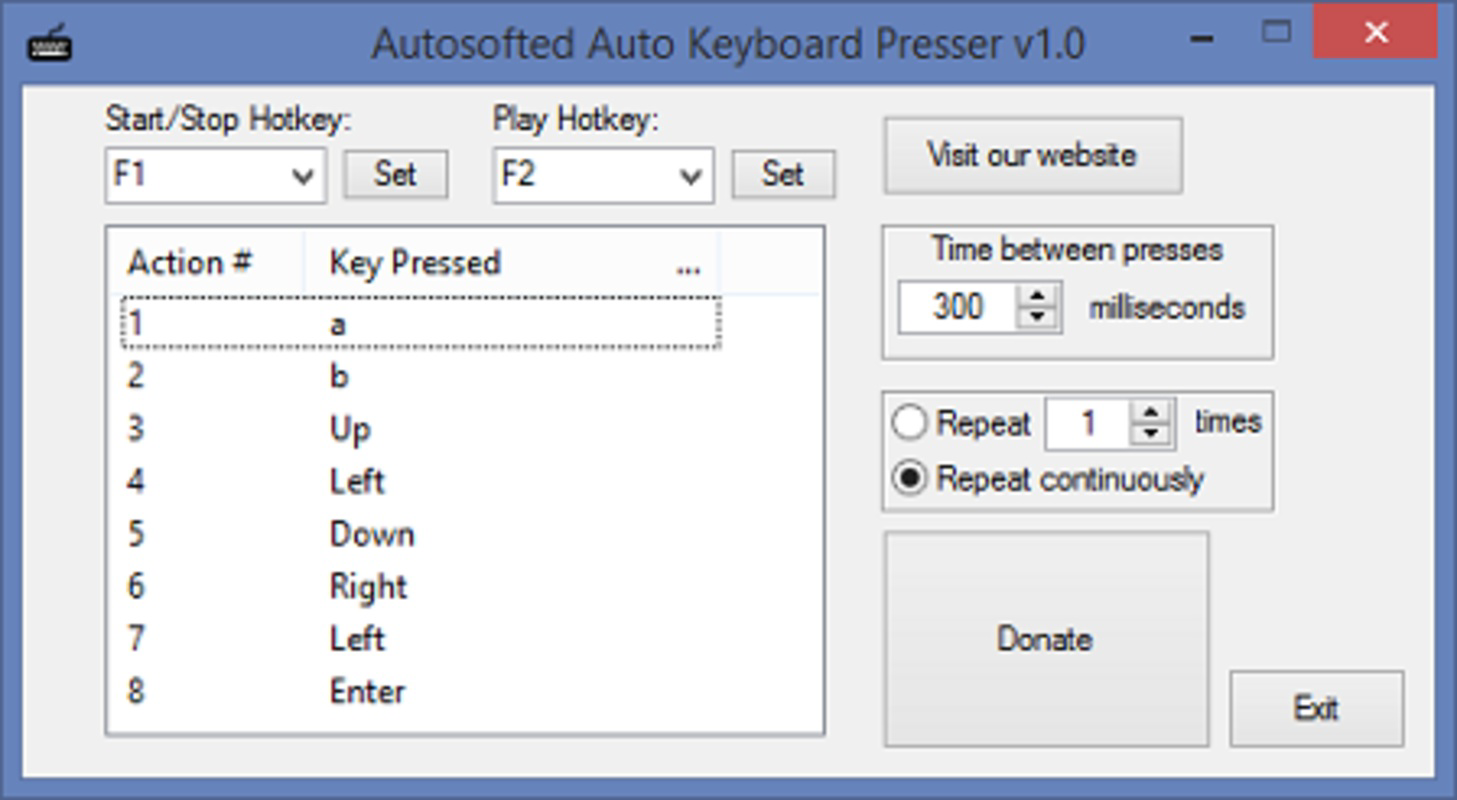
The user interface of Auto Keyboard Presser is designed with simplicity and functionality in mind. While specific layout details were not disclosed, the app appears to follow a clean, task-oriented structure that prioritizes ease of use. Navigation is likely intuitive, allowing users to access macro creation, timing settings, and execution controls with minimal friction.
Visual design elements are expected to be minimalistic, focusing on clarity and usability rather than decorative features. This aligns with the app’s productivity-driven purpose. The workflow probably involves selecting keys, setting delays, defining repeat counts, and activating the macro—steps that are standard in automation tools.
Although the developer did not list formal performance metrics, the app’s lightweight size suggests efficient resource usage. It is expected to operate smoothly across various Android device categories, from entry-level to mid-range models. Responsiveness is likely consistent, with minimal lag during macro execution. Stability is assumed to be reliable, as the app runs in the background without apparent interference with other applications.
Platform Compatibility & Technical Requirements
Auto Keyboard Presser is available exclusively on the Android platform. It is compatible with Android devices that meet standard operating system requirements, though specific minimum OS versions were not listed. The app has a file size of 3.5 MB, making it suitable for devices with limited storage capacity.
As the app is free to download and install, it offers accessible entry for users seeking automation tools without financial commitment. The latest version is 1.0, indicating a stable initial release with core functionality established. No additional technical specifications or hardware requirements were provided by the developer.
Pros and Cons
Pros
- Free to download and use, offering excellent value for a productivity tool.
- Lightweight size (3.5 MB) ensures minimal impact on device storage and performance.
- Background operation allows uninterrupted multitasking.
- Customizable delay and repeat settings provide precise control over automation timing.
- Designed for power users who need to automate repetitive keyboard input.
Cons
- Specific compatibility details, such as minimum OS version, were not disclosed.
- No information was provided about supported keyboard layouts or input methods.
- Advanced features like conditional triggers or real-time monitoring were not mentioned.
- Developer did not share user support channels or update frequency.
- Functionality is limited to keyboard automation; no additional input types (e.g., mouse) are supported.
FAQ
Is Auto Keyboard Presser safe to use on Android?
Yes, the app is designed to function within Android’s security framework. As it operates through simulated key events, it does not require elevated permissions beyond standard input access. However, users should only install apps from trusted sources to maintain device security.
Can I use Auto Keyboard Presser with any keyboard?
The app is intended to work with on-screen and external keyboards connected to Android devices. However, the developer did not specify supported keyboard types or input methods. Compatibility may vary depending on the device and keyboard configuration.
Does the app require root access?
No information was provided about root requirements. Based on its functionality and lightweight nature, it is likely designed to operate without root privileges, but this cannot be confirmed.
How often are updates released?
The developer did not disclose an update schedule. As the current version is 1.0, future updates may introduce new features or improvements, but no timeline has been shared.
Can I create multiple macros?
Yes, the app supports the creation of multiple macros, allowing users to save and manage different key press sequences for various tasks. The exact number of stored macros was not specified.
Final Thoughts
Auto Keyboard Presser delivers a focused and efficient solution for users seeking to automate keyboard input on Android. Its lightweight design, customizable timing controls, and background execution make it a practical tool for developers, testers, and power users who perform repetitive tasks. While it lacks detailed documentation on compatibility and advanced features, its core functionality is well-suited for its intended purpose.
For anyone looking to enhance productivity through automation, this app offers a simple yet powerful way to streamline keyboard workflows. Its free availability and minimal system footprint further increase its appeal. Although it may not suit casual users, it stands out as a valuable utility for those who need precise control over input sequences.
Download Auto Keyboard Presser now
Guides & Tutorials for Auto Keyboard Presser
How to install Auto Keyboard Presser
- Click the Preview / Download button above.
- Once redirected, accept the terms and click Install.
- Wait for the Auto Keyboard Presser download to finish on your device.
How to use Auto Keyboard Presser
This software is primarily used for its core features described above. Open the app after installation to explore its capabilities.
User Reviews for Auto Keyboard Presser 0
No reviews found


